접촉기,회로 차단기,태양광 인버터,전기 계량기,태양 전지

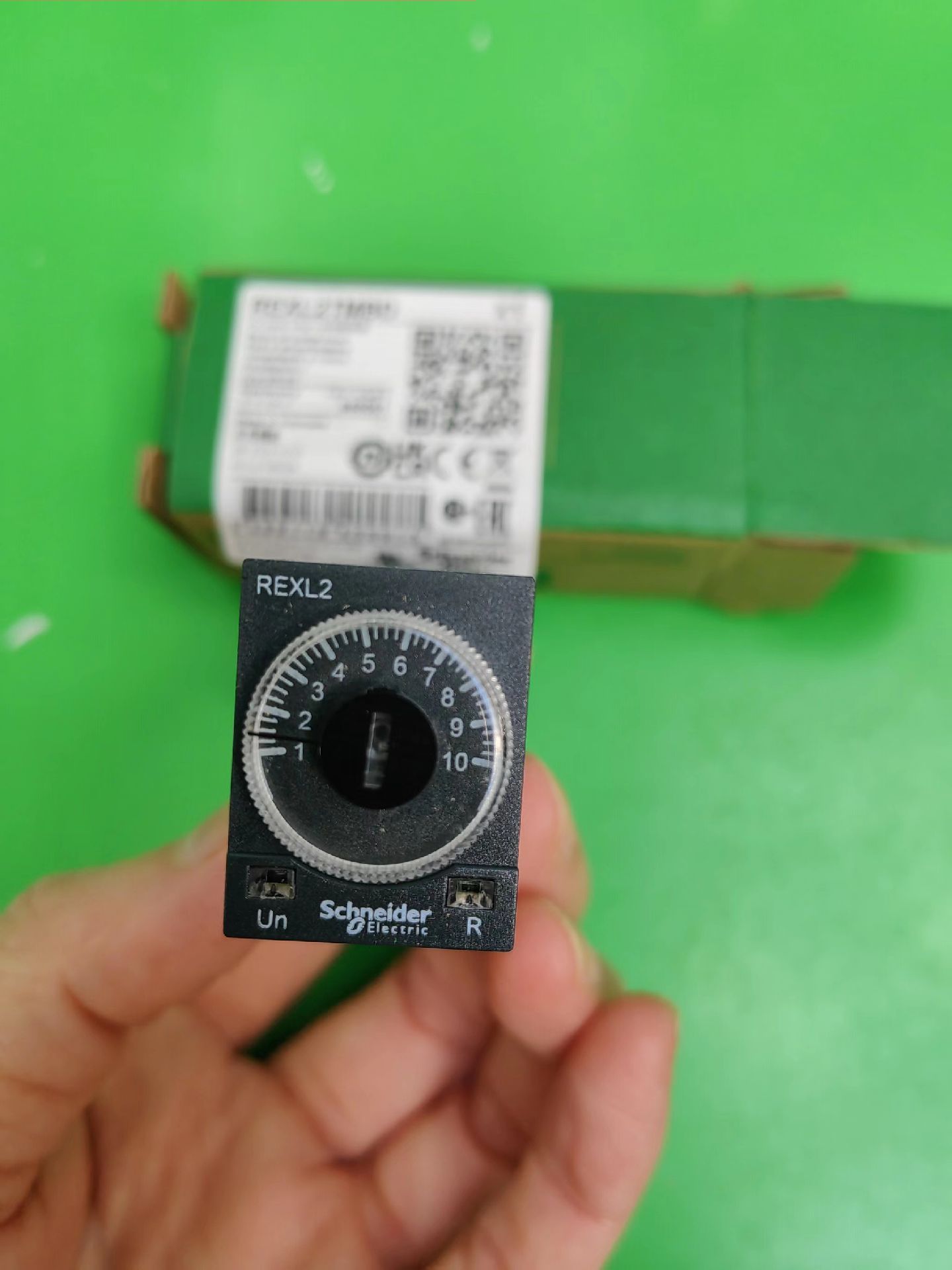

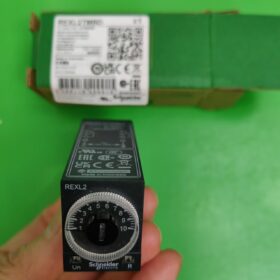

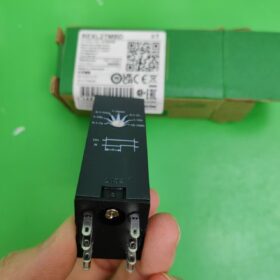
Schneider REXL2TMBD is a compact plug-in 시간 릴레이 belonging to the Zelio Time product series.
상세사양:
Delay Type: On-delay type. The relay contacts actuate only after the preset time has elapsed since power is applied.
Rated Supply Voltage: 24V DC, with a voltage range of 0.9-1.2 times the rated voltage.
지연 범위: 0.1s-100h, adjustable via control knobs with multiple time ranges (예를 들어, 0.1s-1s, 1s-10s, 10s-100s, 등.).
Contact Type & Configuration: 2C/O (2 Changeover Contacts), consisting of 2 sets of normally open (아니요) contacts and 2 sets of normally closed (NC) contacts, with a rated contact current of 5A.
정확성: Repeat accuracy of ±0.5%; delay accuracy of ±10% at full scale under 25℃.
Reset Time: 50ms during power-off delay; time delay discharge voltage deviation of ±0.2%/V.
장착 방법: Miniature plug-in mounting, compatible with RXM bases (universal base design) for easy installation and replacement.
기타 기능: Local signal indication (1 yellow LED for power-on status, 1 red LED for operating status); cadmium-free contact materials (compliant with environmental standards); electrical life of 100,000 운영; mechanical life of 10,000,000 운영.
How to Set the Delay Time of Schneider Time Relay REXL2TMBD
- Preparation
- Ensure the relay is correctly installed on the RXM base and powered by 24V DC.
- Locate the two control knobs: the side knob (for selecting time range) and the front knob (for fine-tuning time).
- Setting Steps
- Select Time Range (Side Knob)
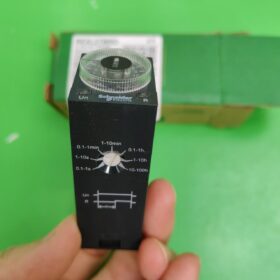
Rotate the side knob to the desired time range:
| Gear | Time Range |
| 1 | 0.1-1 Second |
| 2 | 1-10 Seconds |
| 3 | 0.1-1 Minute |
| 4 | 1-10 Minutes |
| 5 | 0.1-1 Hour |
| 6 | 1-10 Hours |
| 7 | 10-100 Hours |
예: Setting 5-second delay → Select Gear 2 (1-10 Seconds)
- Fine-Tune Exact Time (Front Knob)
Based on the selected time range, rotate the front knob to the desired exact time:
– The front knob scale is evenly distributed from 0 to the maximum value within the selected range.
– 예: With the side knob at Gear 2 (1-10 Seconds), turning the front knob to “5” indicates 5 초.
III. Setting Examples
예 1: Setting 30-Second Delay
- Rotate the side knob to Gear 4 (1-10 Minutes).
- Rotate the front knob to “0.5” (representing 0.5 minutes = 30 초).
예 2: Setting 2-Hour Delay
- Rotate the side knob to Gear 6 (1-10 Hours).
- Rotate the front knob to “2” (representing 2 시간).
- 메모
정확성: Delay accuracy is ±10% of full scale (at 25℃); repeat accuracy is ±0.5%.
Voltage Impact: Power supply fluctuations may affect delay accuracy. It is recommended to use within 0.9-1.1 times the rated voltage (24V DC).
LED Indication: After setup, the yellow LED lights up when powered on, and the red LED lights up during delay operation.
Power-Off Reset: The relay restarts the delay cycle when power is reapplied after a power outage.
- Verify the Setting
After setup, power on the relay:
– Instant power-on: Yellow LED on, red LED off.
– Upon reaching the preset delay time: Red LED on, contact state switches.
– 전원을 끈 후: Both LEDs turn off, contacts return to their initial state.
Setting the delay time for the REXL2TMBD time relay requires only two steps: select the range with the side knob, and fine-tune with the front knob. The operation is simple and intuitive, requiring no additional tools or programming, making it suitable for various industrial automation delay control scenarios.


NH42-63-318x560.png "CHINT PC형 자동절환스위치 (ATS)NH42-63/4SZ")