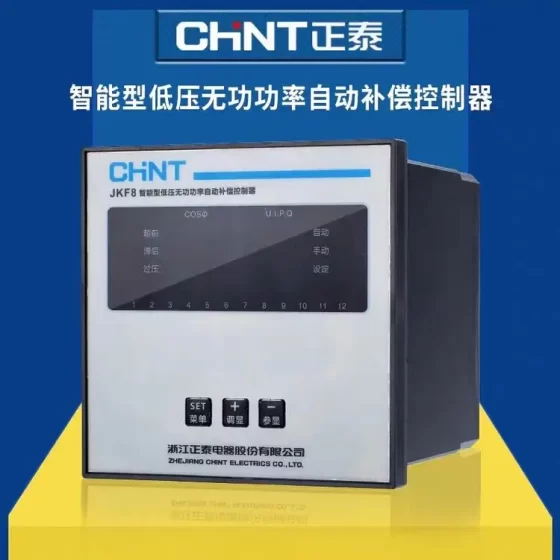
คอนแทคเตอร์,เบรกเกอร์,เซ็นเซอร์,ตัวเข้ารหัส,บมจ,ตัวแปลง





AVP-63 Single-phase Adjustable Dual-display Auto-reset Over/Under แรงดันไฟฟ้า + ตัวป้องกันกระแสเกิน
บันทึก: AVP-63 is a general model, not exclusive to one brand. Many electrical manufacturers in China produce this same design. It is a popular export DIN rail protection module.
พิมพ์: Single-phase 2P, ราง DIN, dual digital display (แรงดันไฟฟ้า + ปัจจุบัน), adjustable parameters, auto-reset protector
ฟังก์ชั่น: การป้องกันแรงดันไฟฟ้าเกิน, การป้องกันแรงดันตก, overload overcurrent protection, power restoration delay. It automatically closes after voltage returns to normal, no manual reset required.
Standard Technical Specifications (Mainstream Version)
แรงดันไฟฟ้าที่ได้รับการจัดอันดับ: AC230V / 50เฮิรตซ์ (compatible with 220V mains)
จัดอันดับปัจจุบัน: Continuously adjustable from 1~80A, default 63A
Overvoltage Threshold: Adjustable 230~300V (factory default commonly 280V)
Undervoltage Threshold: Adjustable 140~210V (factory default commonly 160/170V)
Restoration Delay: Adjustable 1~400s, default 30s
การใช้พลังงาน: ≤2W
ขนาดโดยรวม: ประมาณ. 85×36×66 mm
การติดตั้ง: 35ราง DIN มาตรฐาน มม
การรับรอง: Most versions carry CE; some domestic units can obtain CCC
รหัส HS: 8536500000 (switching protection electrical apparatus)
หลักการทำงาน
- When voltage/current exceeds the set threshold → trip and cut off power immediately
- Fault cleared and voltage back within normal range → wait for configured delay then auto-close to restore power
- Dual screens display real-time voltage and output current; panel keys SET + UP/DOWN for parameter configuration
สถานการณ์การใช้งานทั่วไป
การกระจายพลังงานที่อยู่อาศัย, photovoltaic grid-tie side, small industrial control, communication power supplies, อุปกรณ์เชิงพาณิชย์, overseas single-phase power distribution projects (widely used in Southeast Asia and Central Asia)
การเลือกรุ่น & หมายเหตุทดแทน
Domestic well-known auto-reset over/under voltage protectors (without current display): alternatives from Delixi, ชินท์, Tengen are available, but they lack current monitoring and adjustable dual-display interface
When replacing AVP-63, confirm three priorities: ① whether overcurrent protection is required ② whether local digital parameter setting is needed ③ whether auto-reset delay is mandatory
Firmware parameter ranges differ between manufacturers (a few versions support undervoltage limit down to 80V). Verify datasheet before purchase.
ข้อผิดพลาดทั่วไป
No display after power-up: live/neutral reversed, missing supply voltage
การสะดุดที่ผิดพลาดบ่อยครั้ง: thresholds set too close to normal voltage, large line surges
No power restoration after fault clears: delay set to maximum value, internal relay damaged
AVP-63 Panel Key Operation Steps (Mainstream Version, ชุด / ▲ / ▼ / Power Key)
Panel: Upper screen = Voltage V, Lower screen = Current A; 4 กุญแจ: ชุด, ▲ Up, ▼ Down, ⏻ Manual on/off key
⚠️ Safety Warning: Risk of electric shock during live commissioning; isolate upstream circuit breaker before maintenance
- Basic Operation Procedure
- Standby State: After power on, dual screens show real-time voltage and current
- Enter Parameter Menu: Long press SET for 3 วินาที, screen shows R1 (parameter code) to enter setting mode
- Switch Parameter Items: Short press SET to cycle through R1~R12
- Modify Value: When the target parameter flashes, press ▲ to increase, ▼ to decrease
- Confirm and Next Item: Short press SET to save and jump to next parameter
- Exit Setting: After all adjustments, long press SET for 3 seconds to exit, or wait 8~10 seconds for auto-save and exit
- Manual Close / การเดินทาง: Short press ⏻ power key to directly control output on/off, without modifying protection thresholds
- Parameter Sequence (R1~R12, General Domestic Firmware)
| รหัสพารามิเตอร์ | ชื่อพารามิเตอร์ | ช่วงที่ปรับได้ | ค่าเริ่มต้น |
| R1 | Power-on Delay (waiting time before closing after energization) | 1~500s | 10ส |
| R2 | Overvoltage Trip Value | 230~300V | 270วี |
| R3 | Overvoltage Recovery Value (voltage must drop below this to enable reset) | 225~295V | 265วี |
| R4 | Overvoltage Restoration Delay | 1~500s | 30ส |
| R5 | Overvoltage Action Delay (delay before tripping once overvoltage threshold is exceeded) | 0.1~30ส | 1ส |
| R6 | Undervoltage Trip Value | 140~210V | 170วี |
| R7 | Undervoltage Recovery Value | 145~215V | 175วี |
| R8 | Undervoltage Restoration Delay | 1~500s | 30ส |
| R9 | Undervoltage Action Delay | 0.1~30ส | 1ส |
| R10 | Overcurrent Protection Value | 1~63A | 63ก |
| R11 | Overcurrent Restoration Delay | 1~500s | 30ส |
| R12 | Overcurrent Action Delay | 0.1~30ส | 1ส |
- ฟังก์ชั่นเพิ่มเติม (Password Lock on Some Versions)
Password item P19 appears at the end of menu; รหัสผ่านเริ่มต้น 112. If password mismatch, only view access, modification locked
When locked, long pressing SET only allows browsing parameters; เข้า 112 to unlock editing
Some units support auto-reset toggle: P16, Con = Auto Reset, OFF = Manual Close (must press power key to restore after fault)
- Fault Code Indication
เฒ่า: การเดินทางกระแสเกิน
โอ้: Overvoltage Trip
แอล: การเดินทางแรงดันตก
After fault, power restores automatically when voltage/current returns to normal and delay expires. If manual mode is enabled, press ⏻ key to restore power.
- Quick Setting Example (General Household 220V)
- Long press SET for 3s to enter menu
- R2 Overvoltage: 270วี; R6 Undervoltage: 170วี
- R10 Overcurrent: 63ก
- R1 Power-on delay 10s, R4/R8/R11 restoration delay 30s
- Long press SET to exit, configuration completed
- Setting Troubleshooting
- SET no response: panel locked by password, faulty key, แรงดันไฟฟ้าไม่เพียงพอ
- Settings not saved: do not cut power before exit; wait for auto-exit or long press SET to confirm
- สะดุดล้มบ่อยๆ: action delay R5/R9/R12 set too short, or thresholds set too close to normal voltage
คำเตือนด้านความปลอดภัย: Risk of electric shock during live testing. Professional function test is recommended using adjustable AC power supply (variac). Do NOT forcibly raise mains voltage for overvoltage test.
Testing sequence: การตรวจสายตา & power-on self-test → Display & manual switching test → Parameter read-write verification → Protection function validation → Long-term load stability test
- Initial Power-on Check (On-site, No Special Instrument Required)
- เปิดเครื่อง, screens light up; upper screen shows voltage, lower screen shows current
- Use multimeter to measure input IN voltage, compare with protector reading: deviation normally ≤±5V. Larger deviation indicates faulty sampling circuit
- Measure output OUT with multimeter:
Normal closed state: IN and OUT voltage nearly equal
Tripped by protection: 0V at OUT
- Indicator definition:
POWER green ON: unit power supply normal
V red ON: Overvoltage fault (โอ้)
<V red ON: Undervoltage fault (แอล)
A red ON: Overcurrent fault (เฒ่า)
- Manual switching test: short press ⏻ key, output turns on/off accordingly, key response normal
Abnormal conditions: black screen after power-up, garbled flashing, keys unresponsive, green power light ON but no output → likely damaged
- Parameter Read-write Verification (Check Mainboard & Memory Integrity)
- Long press SET for 3s to enter menu, can cycle through R1~R12 normally
- Values can be modified; after saving and exiting, re-enter menu to confirm parameters retained
- If password lock activated, modification allowed after correct password input; locked mode only supports viewing, which is normal
ผิดปกติ: parameters revert after exit, menu jumps randomly → firmware / memory failure
- Protection Function Validation (Precise Test, Variac Required)
1) Overvoltage Protection Test
- Connect adjustable power supply to AVP-63 input
- Set R2 overvoltage trip value to 270V
- Slowly increase input voltage. After exceeding threshold plus action delay, protector trips, shows OH, >V red light ON, output cuts off
- Reduce voltage below R3 overvoltage recovery value, wait for restoration delay, auto-close and restore power
2) Undervoltage Protection Test
- Set R6 undervoltage trip value to 170V
- Slowly reduce input voltage. Below threshold plus action delay, protector trips, shows UL, <V red light ON
- Raise voltage above R7 undervoltage recovery value, power restores automatically after delay
3) Overcurrent Protection Test (Adjustable Load / Current Source Required)
- Set R10 overcurrent value e.g. 20ก
- Gradually increase load current. When current exceeds threshold plus action delay, protector trips, shows OL, >A red light ON
- Current drops below recovery level, power restores automatically after delay
Acceptance criteria: actual action threshold matches configured value; no missing trip or spurious trip. Auto-restore after fault cleared and delay completed.
- Simple Field Test Without Variac (Emergency Site Check)
- Power cycle the unit, observe power-on delay: it closes after R1 configured time, not instantly
- Run under rated load for a period: current reading stable, ไม่มีความร้อนสูงเกินไป, no random tripping
- Apply mild overload for a short time (safety priority) to verify OL trigger
⚠️ Do NOT test by forcing mains voltage high, risk of equipment burnout
- ความมั่นคงในระยะยาว & การตรวจสอบด้วยสายตา
No bulging, burn marks on enclosure; terminal blocks no discoloration or overheating
Readings stable under load, no random fault codes
No frequent false tripping: if OH/UL alarms persist with stable mains, either sensitive threshold setting or faulty sampling board
- Quick Diagnosis Summary Table
| ปรากฏการณ์ | บทสรุป |
| Power-on display normal, keys responsive, input/output voltage consistent, parameters saved | Basically functional |
| Trips at set thresholds, auto-restores after delay | Fully functional |
| Display normal, no output even after manual close | Internal relay failed / welded |
| Random OH/UL alarms with normal voltage, สะดุดบ่อยครั้ง | Sampling circuit fault or improper threshold setting |
| Black screen, garbled display, keys fully unresponsive | Mainboard damaged |
| Modified parameters cannot be saved | Memory chip failure |
- หมายเหตุเพิ่มเติม
AVP-63 cannot replace circuit breaker for short-circuit protection. It only provides over/under voltage and overload protection. Short-circuit protection must be provided by upstream circuit breaker. Upstream breaker must be retained as backup during testing.


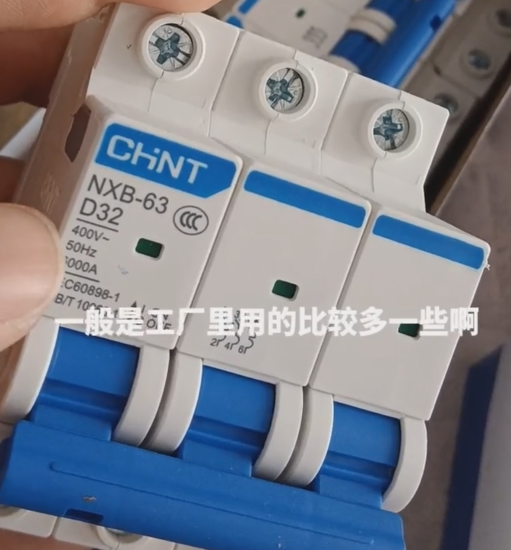
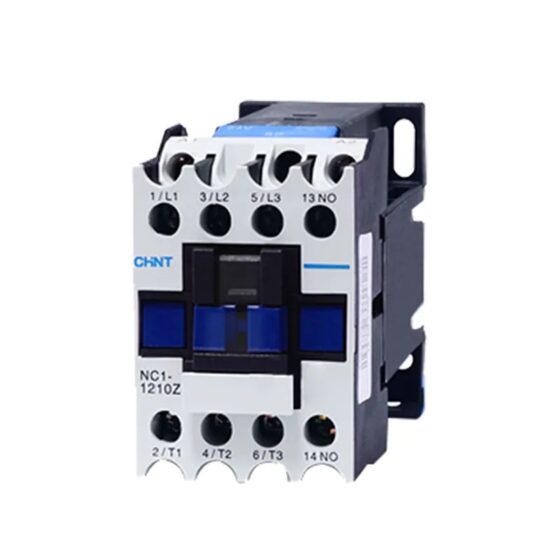
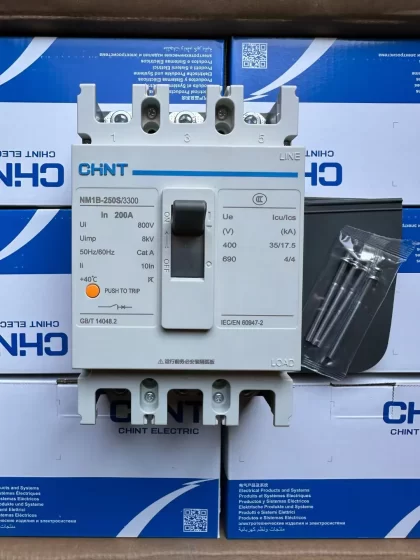
NH42-63-318x560.png "สวิตช์ถ่ายโอนอัตโนมัติชนิด CHINT PC (เอทีเอส)NH42-63/4SZ")