 Контактор,автоматический выключатель,датчик,Кодер,ПЛК,Конвертер

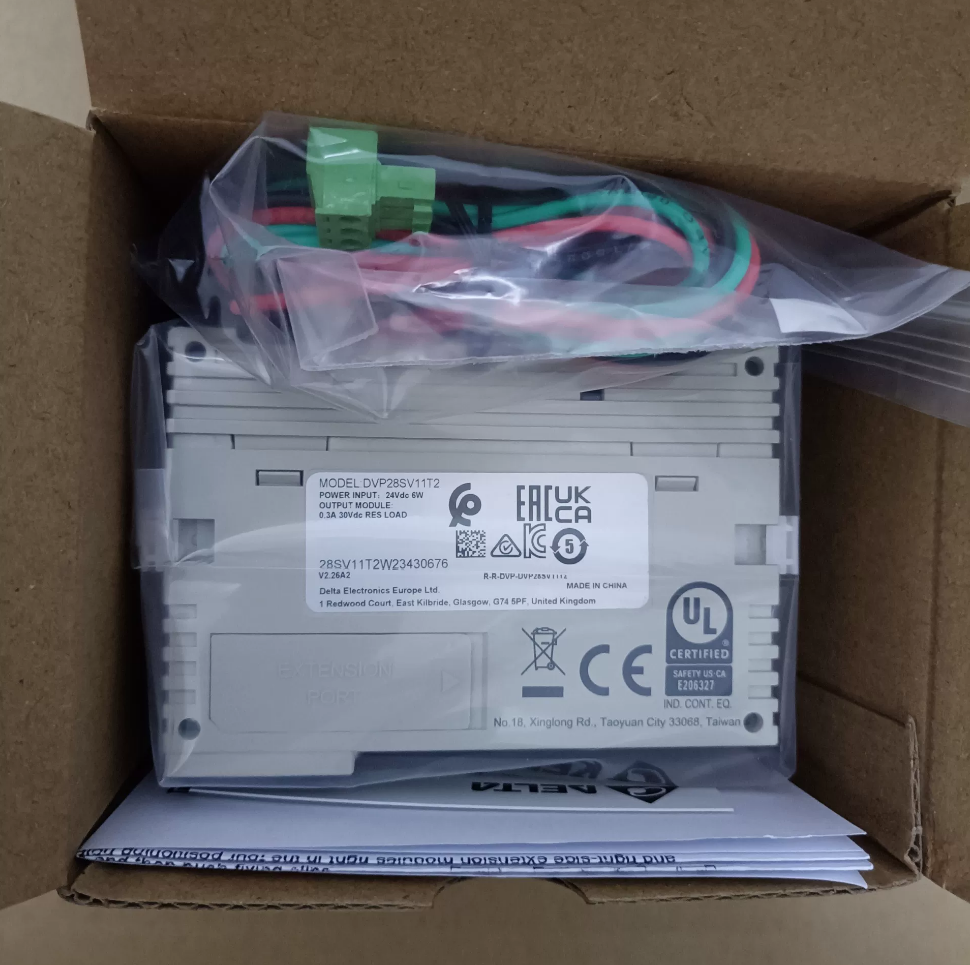

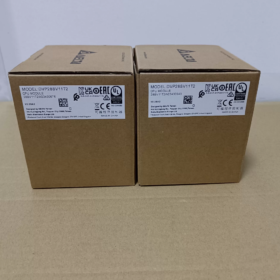
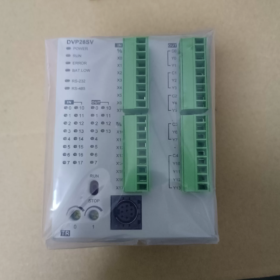
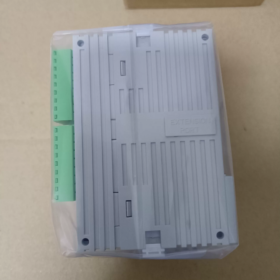
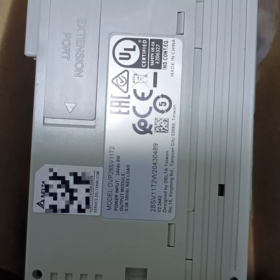
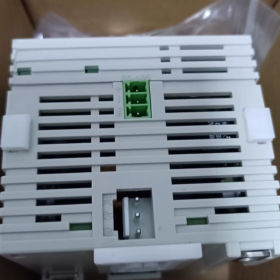
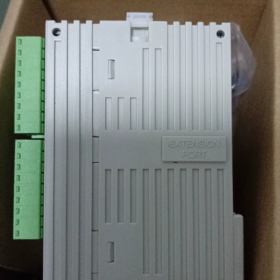
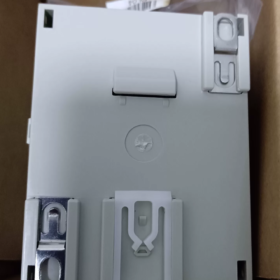
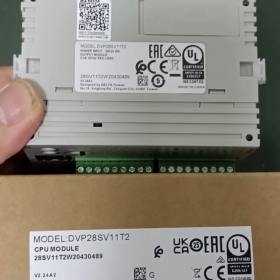
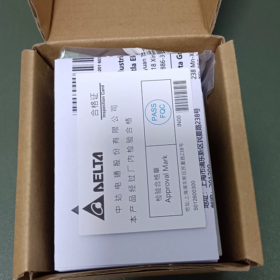
DVP28SV11T2
ПАД: ПЛК Дельта series code
28: Всего точек ввода-вывода 28 очки (16DI+12DO)
СВ: High-performance main unit of SV series; SV2 denotes second-generation hardware (suffix T2 = SV2)
11: Источник питания постоянного тока 24 В
Т: Transistor output NPN (тип раковины)
2: Second-generation SV2 hardware version, supporting left-side high-speed expansion port
Основные характеристики оборудования
| Элемент | Параметры |
| Источник питания | 24 В постоянного тока, защита от обратной полярности, maximum inrush current 2.2A |
| Цифровой вход DI | 16‑point DC24V, source/sink compatible |
| Цифровой выход DO | 12‑point NPN transistor output |
| Программный потенциал | 30К шагов (SV2 second generation), data register 12K Word |
| High‑speed Counter | 8-канал; X0/X1/X4/X5 max. 200кГц; remaining X terminals 10kHz |
| Импульсный выход | Y0‑Y3 max. 200кГц (4‑axis independent pulse output); supports linear/circular interpolation |
| Коммуникация | COM1: Mini‑DIN8 RS232; COM2: RS485; Modbus RTU/ASCII master/slave |
| Возможность расширения | Right‑side for standard S‑series modules; dedicated left‑side high‑speed expansion port; maximum total I/O 512 очки |
| Монтаж | Монтаж на рейку DIN35; Dimensions W70 × H90 × D109.4 mm |
| Рабочая температура | 0‑55℃ |
Программное обеспечение
Программное обеспечение: WPLSoft / ISPSoft, with COMMGR communication manager
Supported features: 4-level password protection, программа резервного копирования, battery-free real-time clock, 16-channel external interrupt.
Типичные применения
Позиционирование сервопривода, XY manipulators, этикетировщики, упаковочные машины, cutting equipment, текстильное оборудование, and other equipment requiring multi-axis pulse motion control.
Distinction of Models in the Same Series
DVP28SV11T: First-generation SV, 16K-step program, without left-side high-speed expansion port
DVP28SV11T2: SV2 second-generation, 30K-step program, with left-side high-speed expansion port
DVP28SV11R2: Relay-output version
ДВП28СВ11С2: PNP transistor-output version
Контрольный список проверки бывших в употреблении
- Тест при включении: POWER indicator steady ON; check status of RUN/ERROR/BAT-LOW indicators; low-battery alarm.
- Тест ввода/вывода: Force ON/OFF to verify all input and output points.
- High-speed pulse test: Test Y0-Y3 pulse output up to 200kHz; verify high-speed counter reception on X0/X1.
- Тест связи: Program upload/download via RS232 and RS485; Modbus read-write test.
- Expansion port inspection: Check left-side and right-side expansion connectors for oxidation and intact pins.
Альтернативные ссылки
Дельта native alternatives: ДВП28СВ11С2 (ПНП); DVP28SE211T (SE2 new generation, with Ethernet port)
Отечественная альтернатива: Inovance H2U-1616MT-XP (200кГц импульс, 4-ось)
Programming Software for Delta DVP28SV11T2 (SV2 Series)
This unit belongs to second-generation DVP-SV2 PLC; two official software packages are supported:
- ISPSoft (Рекомендуется для новых проектов.)
Latest version: V3.24 and above
Mandatory companion: COMMGR communication manager, handles serial/USB communication connection
Supported IEC61131-3 languages: ЛД (Лестничная диаграмма), СТ (Структурированный текст), ФБД (Функциональная блок-схема), СФК (Последовательная функциональная диаграмма); full SV2 motion instructions, интерполяция, high-speed positioning; modular POU programming, simulation, онлайн-мониторинг, обновление прошивки.
OS: Win7/10/11 (64-кусочек)
- WPLSoft (Legacy software for existing project maintenance)
Версия: V2.52, traditional Delta DVP programming software, mainly supports ladder diagram and instruction list, no Structured Text support
Suitable for reading backup programs from legacy equipment and simple logic; inferior to ISPSoft for complex motion-control functions.
⚠️ Примечание: DIADesigner does NOT support DVP28SV11T2. DIADesigner is for high-end SV3, AS/AH series PLCs.
Programming Cables
For the front-panel Mini-DIN8 RS232 port of DVP28SV11T2:
- Delta original USB-DVP programming cable (USB to Mini-DIN8)
- RS232-to-Mini-DIN8 cable is also acceptable; program download is available via COM2 RS485 as well.
Software Selection Guidance
Позиционирование сервопривода, circular interpolation, сложные процессы: ISPSoft + COMMGR
Legacy equipment with WPLSoft-format project files: Maintain with WPLSoft.
Communication Protocols for Delta DVP28SV11T2 (SV2)
On-board hardware: COM1-RS232 (Мини-DIN8), COM2-RS485 terminal block. No native Ethernet or CANopen; fieldbus functions require left-side expansion modules.
Protocols Supported by On-board Serial Ports
- Модбус РТУ / Modbus ASCII (Наиболее широко используется)
Available on COM1(RS232) and COM2(RS485); supports both Master and Slave modes
Max baud rate 115200bps; configurable data bits, паритет, стоп-биты
Приложения: Connect to HMI, инверторы, сервоприводы, meters and third-party Modbus devices.
- Delta proprietary protocol (PLCLink)
Data exchange among multiple DVP-SV2/SA2/SS2 PLCs via RS485 networking.
- Program download protocol
COM1 RS232: ISPSoft/WPLSoft program upload/download, онлайн-мониторинг
Program download and monitoring are also supported over COM2 RS485.
Factory default serial parameters: 9600, 7, Э, 1 (9600б/с, 7-бит данных, even parity, 1 стоп-бит)
Additional Fieldbus Protocols via Left-side High-speed Expansion Modules (Hardware add-on only, не встроенный)
Use the dedicated left-side high-speed slot with corresponding communication modules:
DVPCOPM-SL: CANopen master module, CANopen DS301 compliant, for CANopen servo/drive connection
DVPNET-SL: Ethernet-модуль, supports Modbus-TCP (Master/Slave)
DVPDP-SL: Profibus-DP slave module
DVPDNM-SL: DeviceNet module
Port Function Summary
| Порт | Аппаратное обеспечение | Функции |
| COM1 | RS232 Mini‑DIN8 | Загрузка программы, Modbus RTU/ASCII Slave; cannot act as Modbus Master |
| COM2 | RS485 terminal block | Modbus Master/Slave, PLCLink, загрузка программы |
| Left‑side Expansion Port | Dedicated high‑speed slot | Optional CANopen, Ethernet, Profibus‑DP and other bus modules |
Распространенные ловушки
- DVP28SV11T2 has no built-in Ethernet or CAN interface. Expansion modules must be purchased separately.
- COM1(RS232) can only operate as Modbus Slave. Modbus Master function is exclusively for COM2(RS485).
- PLCLink works only between Delta DVP-series PLCs; incompatible with third-party hardware.
Complete Installation Guide for Delta DVP28SV11T2 (ISPSoft + COMMGR)
ISPSoft is preferred for DVP28SV11T2(SV2). COMMGR is mandatory for communication; program download will fail without it.
Поддерживаемая ОС: Вин10 / Win11 64-bit. Download installation packages from Delta Industrial Automation official website.
Предустановочная подготовка
- Uninstall old versions of ISPSoft and COMMGR; mixed versions cause communication failures.
- Right-click installer → Run as administrator (critical for Win11; avoids installation errors and driver failure).
- Temporarily disable antivirus / Windows Defender to prevent component interception.
- Ensure .NET Framework4.5 is installed (included in modern Windows; download from Microsoft if missing).
Two Installation Procedures
Method A: COMMGR bundled inside ISPSoft installer (Рекомендуется)
- Unzip ISPSoft archive and run Setup.exe.
- Select Chinese language, follow on-screen prompts; keep the [COMMGR] component checked, do not uncheck it.
- Customize install path; avoid Chinese-character directories on C drive (например. Д:\Delta\ISPSoft).
- Complete installation and reboot PC as prompted.
⚠️ If COMMGR was unchecked during setup, download and install COMMGR separately.
Method B: Separate installation
- Install COMMGR (Communication Manager) first.
- Install ISPSoft programming software afterwards.
Post-installation Configuration (Program editing ≠ download capability; COMMGR channel setup is required)
- Close ISPSoft first, launch COMMGR from start menu (icon appears in system tray).
- Click [Добавлять]
Driver name: English characters only, например. DVP_SV2 (No Chinese characters or spaces)
Communication type:
Delta USB programming cable: Select USB
USB-to-RS232/485 adapter: Select Serial Port, confirm COM number in Windows Device Manager.
- Parameters matching PLC factory defaults: 9600, 7, Э, 1, Station No.1
- Confirm configuration, select this channel and click [Начинать]. Status START means channel is ready.
- Open ISPSoft, create new project, select model: DVP-SV2 → DVP28SV11T2
- Меню [Инструменты] → [Настройки связи], select the pre-configured COMMGR channel to go online, upload or download programs.
Alternative Legacy Software WPLSoft (For maintenance-only)
Not recommended for new projects; lacks ST language and advanced motion interpolation instructions.
- Install WPLSoft V2.53, запускать от имени администратора.
- WPLSoft also relies on COMMGR; communication configuration follows identical steps above.
Распространенное устранение неполадок
- Gray online button: COMMGR is not running, channel status is not START.
- COM port not found: Install driver for USB-to-serial chip (CH340 / FT232); no yellow exclamation marks in Device Manager.
- Win11 installation errors: Always run as administrator, avoid Chinese-character install paths, disable security software temporarily.
- Communication errors: Double-check baud rate, parity setting and PLC station number. SV2 factory setting: 9600-7-E-1
Hint for New DVP28SV11T2 Project
ISPSoft New Project → Series DVP-SV2 → select DVP28SV11T2. The software automatically applies hardware parameters: 30K-step program capacity, 4-axis 200kHz pulse output.





NH42-63-318x560.png "Автоматические переключатели резерва типа PC CHINT (АТС)НХ42-63/4СЗ")



